Create a tenant
To start using the platform, you need a tenant.
In the sidebar on the left of the page, click Create first tenant.
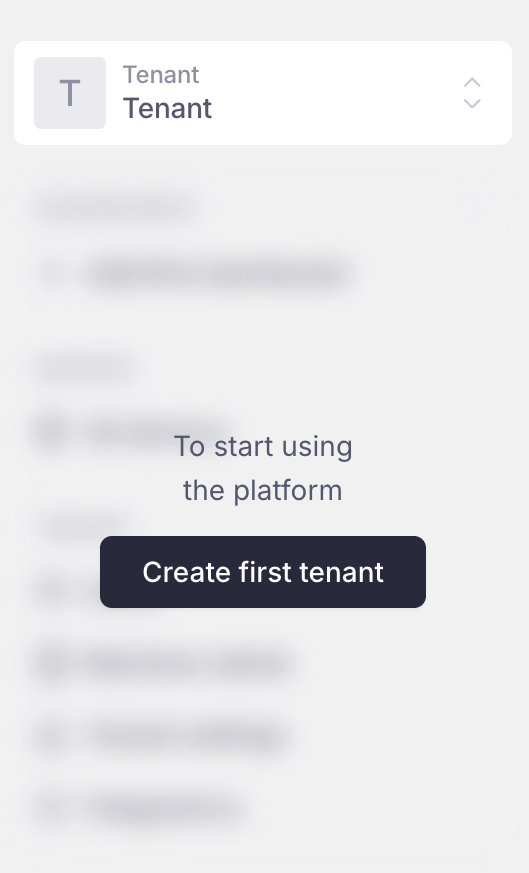
Create your first tenant from the sidebar
Enter the tenant name and click Create.
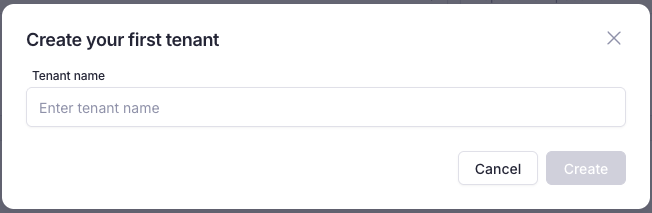
Create your first tenant
Check if it worked
Your tenant’s name appears in the top left, the sidebar is no longer blurred, and Tenant settings open in the middle of the screen.
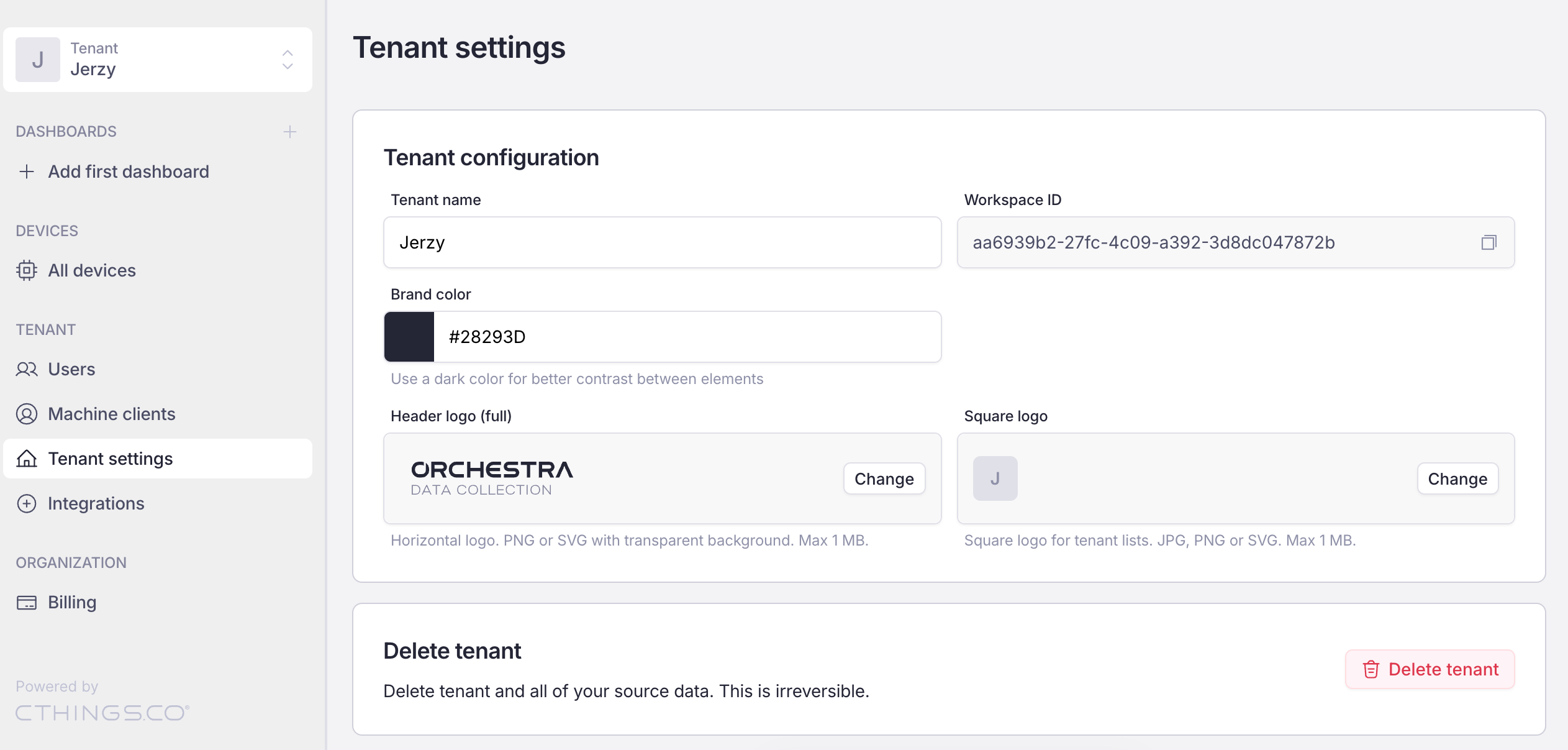
View after creating a new tenant