Machine clients
Machine clients give scripts, integrations and other systems access to the tenant without a user account. Each client has its own credentials (Client ID and Client secret) and only the permissions you select for it.
Use machine clients for automated access, and users for people. For example, a developer signs in with their own user account but configures their integration to use a machine client. If the developer leaves, the integration keeps working.
On the Machine clients page you can:
see the clients of the tenant,
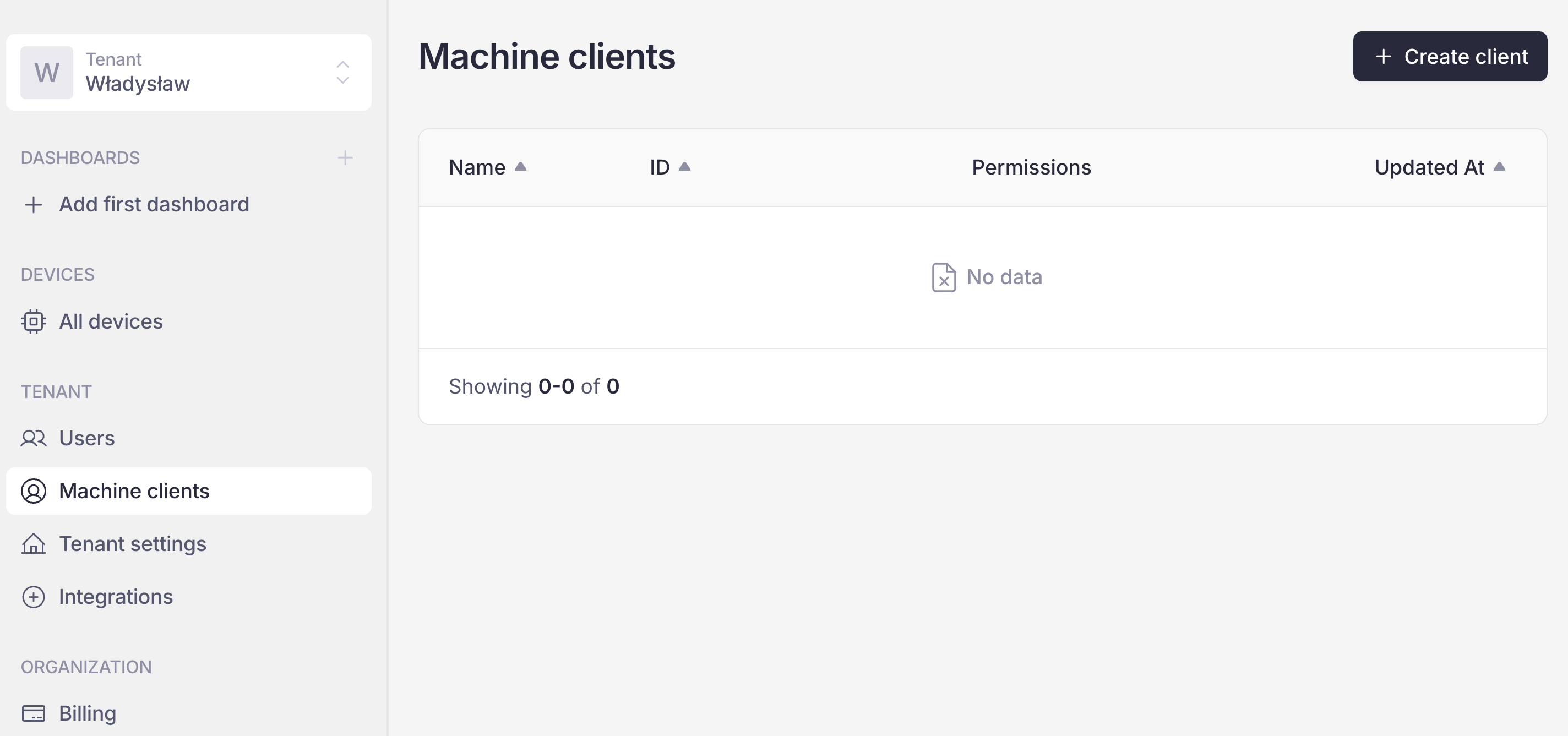
Machine clients page
Create client
Click + Create client.
Enter the client’s name.
Select one or more permissions from the list.
Click Create.
Copy the credentials (Client ID and Client secret) and click Done.
Important
The client secret is shown only once and cannot be viewed again. Store it securely.
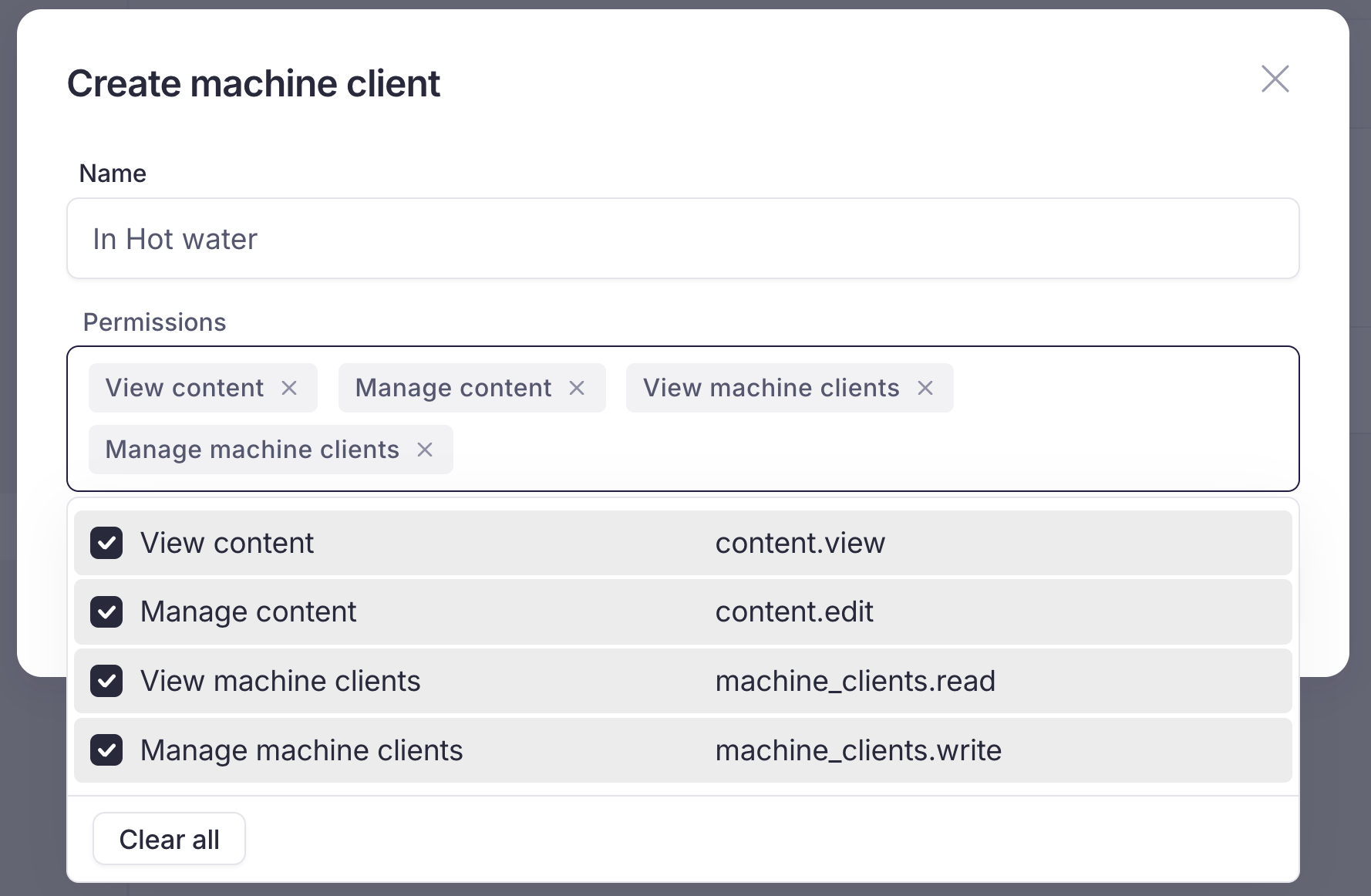
Create machine client with the permissions list
Edit client
On the Machine clients page, click the client.
In Machine client details, click Generate new creds.
Change the client’s details, the same way as when creating a client.
Click Generate new creds.
Click Done in the credentials view.
Delete client
On the Machine clients page, click the client.
Click the red Delete client button.
Confirm by clicking the red Delete button.
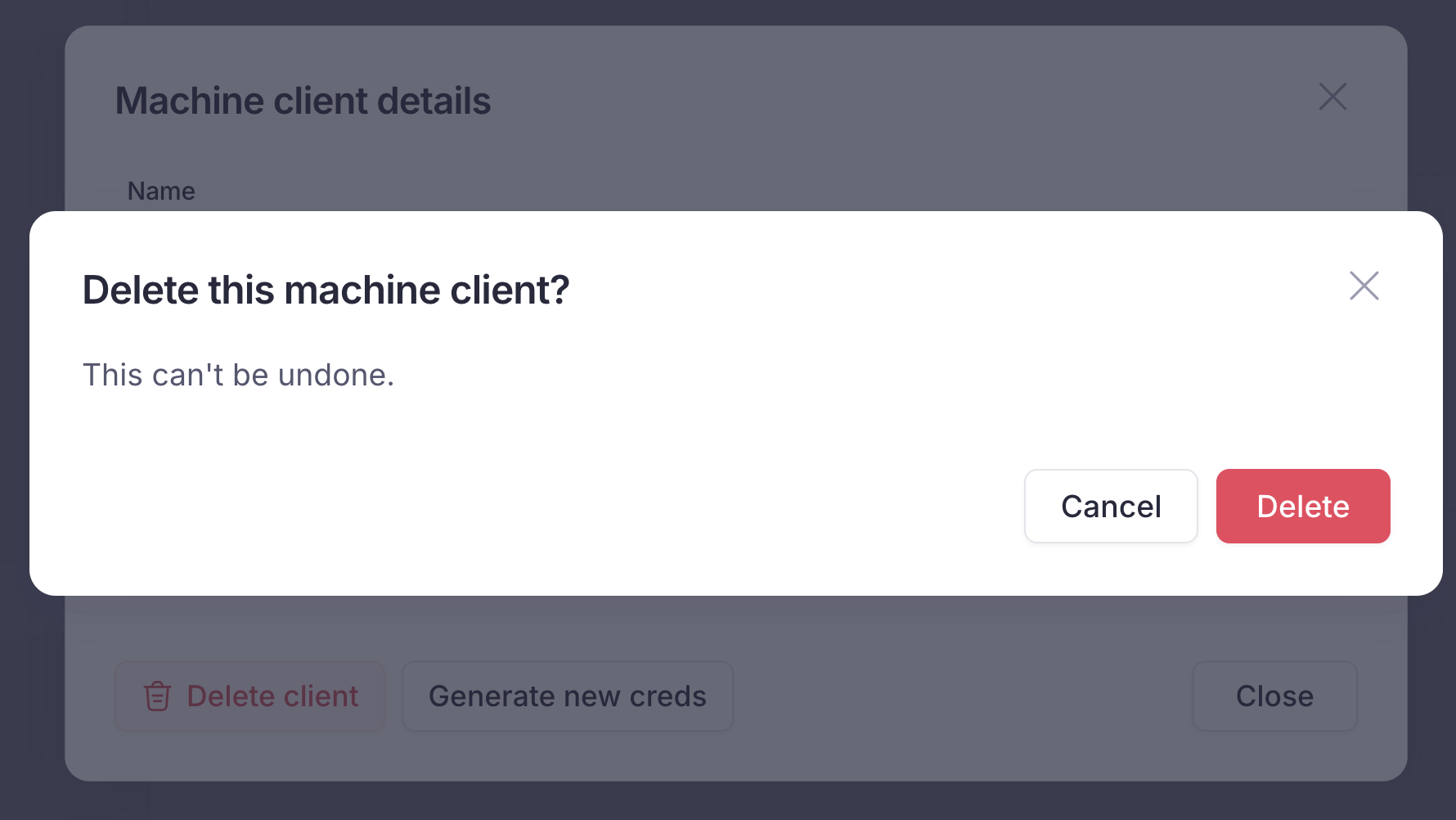
Delete machine client confirmation