Profile Settings
This chapter will show you what you can do in your profile settings in Orchestra Manager.
Changing your Credentials
In Orchestra manager, you are able to change your credentials, that you have used to create your account. You can change your email address, First name and Last name.
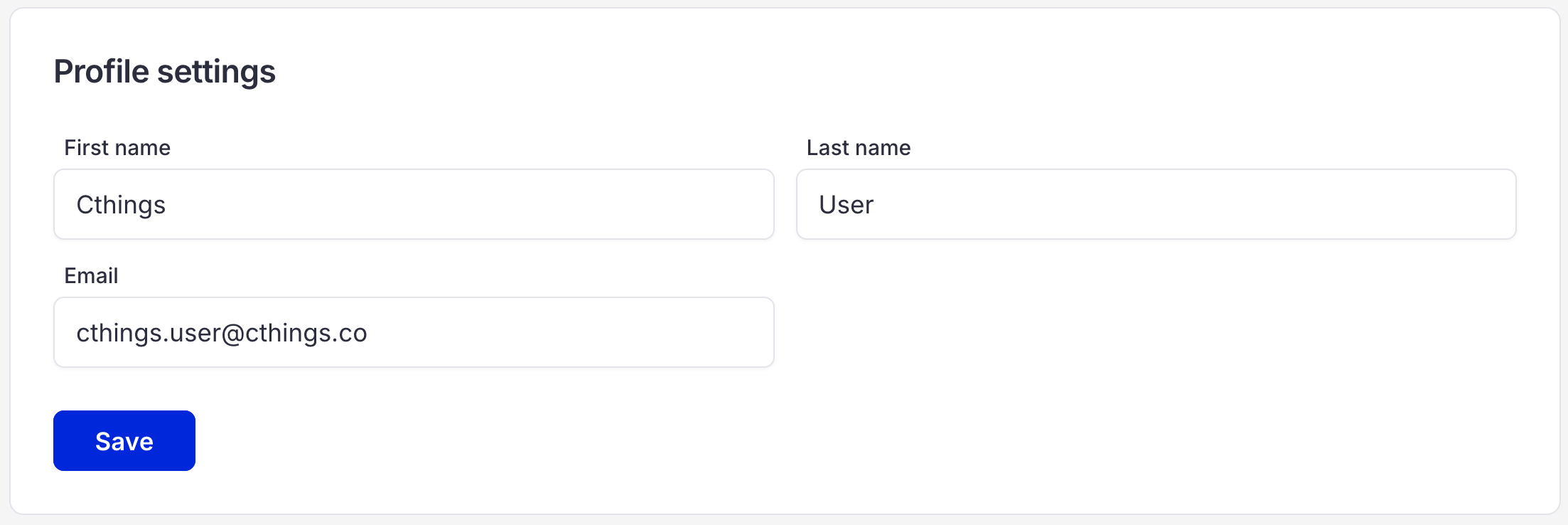
You can change your information by simply clicking and rewriting the information right in the input fields. After you have changed the information click “Save” button.
Changing your password
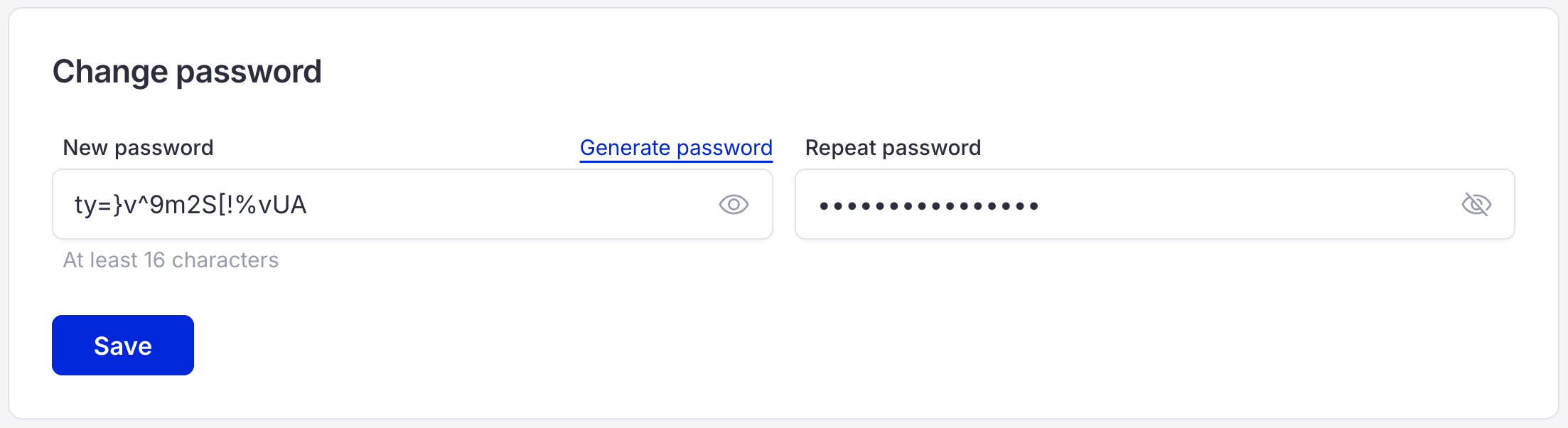
In order to change your password, you need to type a new password, or generate a new one by clicking “Generate password” above the input field. After you have changed the information click “Save” button.
Managing your 2FA Backup Recovery Codes
In this section you can press the “Generate new backup recovery codes” button to generate new backup codes. At the same section you can download your backup codes after generation.

Managing your 2FA Authenticator App
Here you can manage your connected 2FA Authenticator App. You can disconnect your app by clicking the Bin icon in front of your connected application. After that you will be able to connect another application.
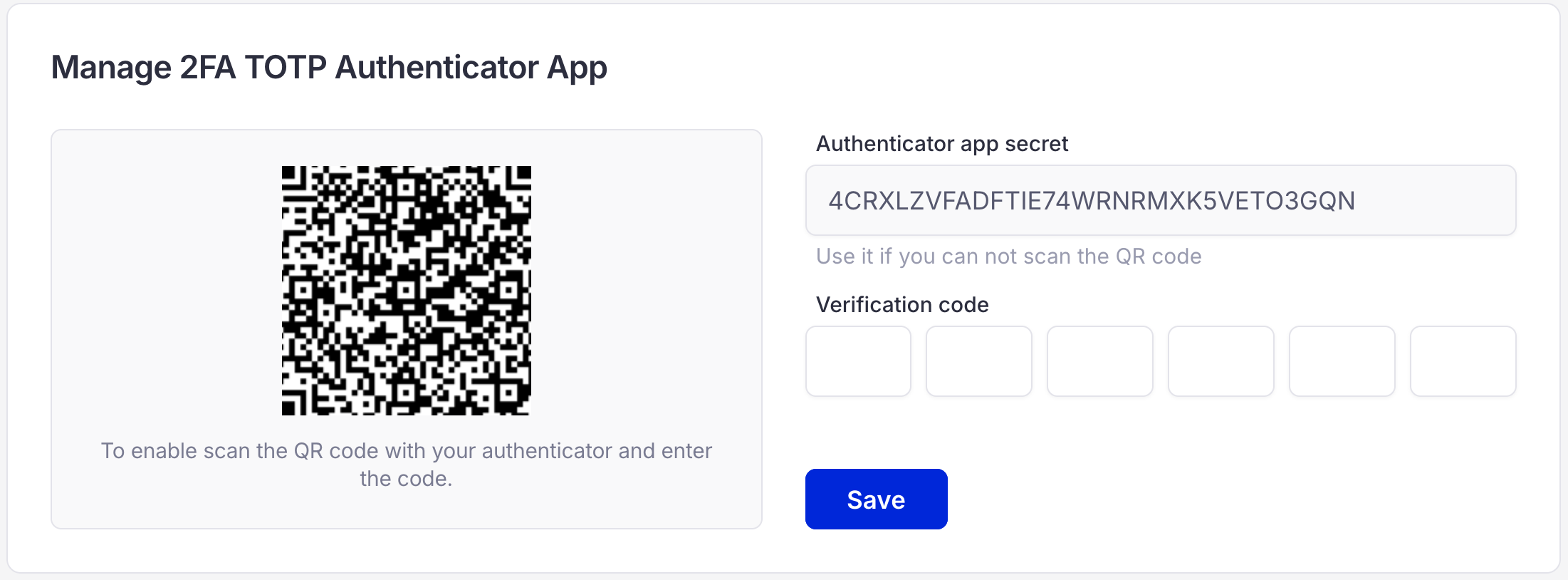
2FA disabled
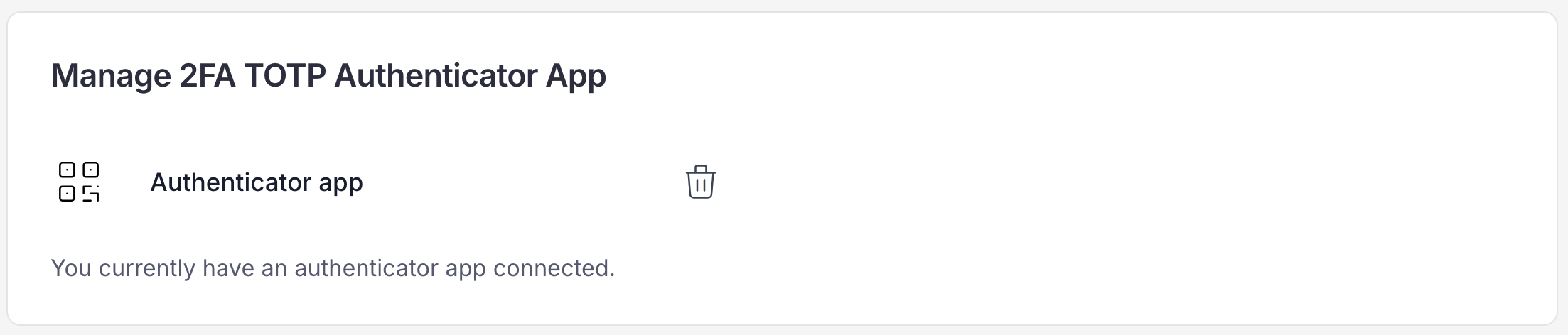
2FA enabled