See and copy Workspace ID
The Workspace ID field in Tenant settings shows your tenant’s ID. To copy it:
Move your cursor to the Workspace ID field.
Click the copy icon.
A Copied to clipboard message appears in the top left of the page.
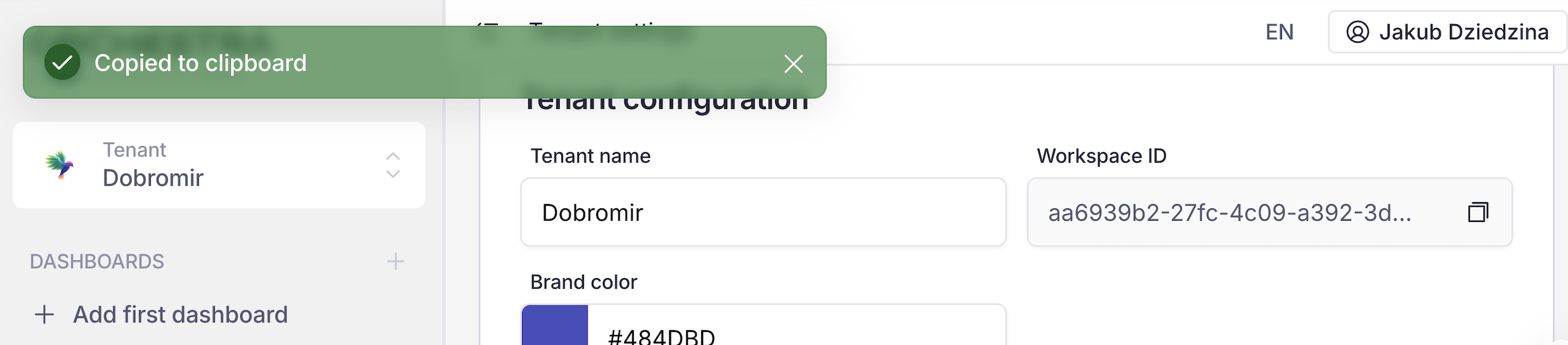
Workspace ID copied