Change brand color
In Tenant settings, click the box with the color.
Select the new color by:
moving the color bar to the side, or
clicking the eyedropper icon.
Click Save in the Changes made pop-up.
Tip
Use a dark color for better contrast between elements.
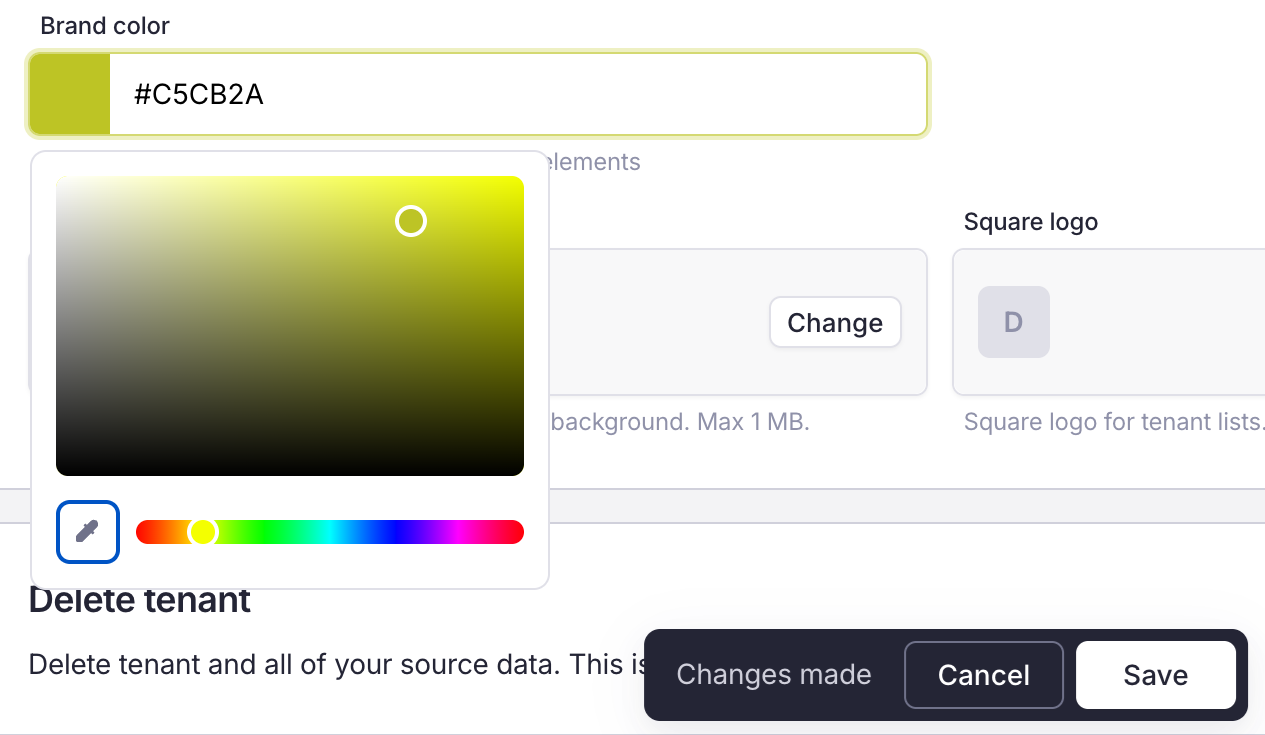
Brand color picker